
 Search
Logos and card images
Use our logos and card images across your emails, website, social media and in-office materials to let patients or clients know your business offers CareCredit financing options.
How to use logos and card images
Our logo consists of:
- Wave – Our symbol. It always appears to the left of our name.
- Wordmark – Our name. It always appears to the right of our symbol.
- Endorsement line – Helps align CareCredit with Synchrony.
- Clear space – To maintain the visibility and impact of our logo, keep a minimum amount of clear space around it on all sides.
The logo with the endorsement line is our default option for most uses. The logo without the endorsement line should be used when there is not enough space for the endorsement line.
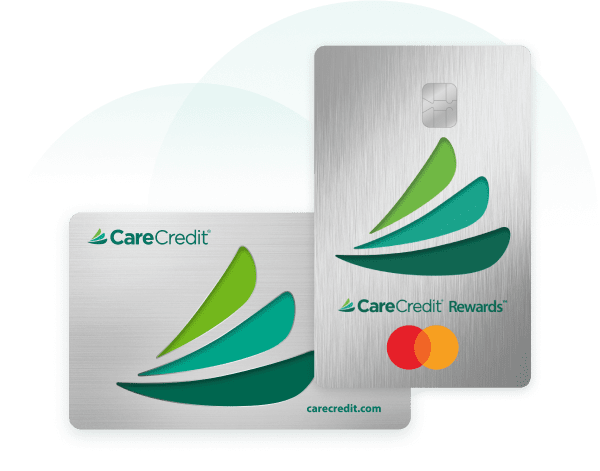
Our card images are recognizable CareCredit brand visuals. Use them alongside the logo as part of a sign-off, next to a headline or to accompany supporting information.
Logos
Download all logo versions or select individual files below. If adding a logo to your website, link the image to your location’s unique custom link so patients or clients can apply and pay. Log in to access your custom link.
Check out our how-to guide for Adding CareCredit marketing assets to your website, to learn more about how to embed images and add links to your site.


Copy custom link for logos
 Copied to clipboard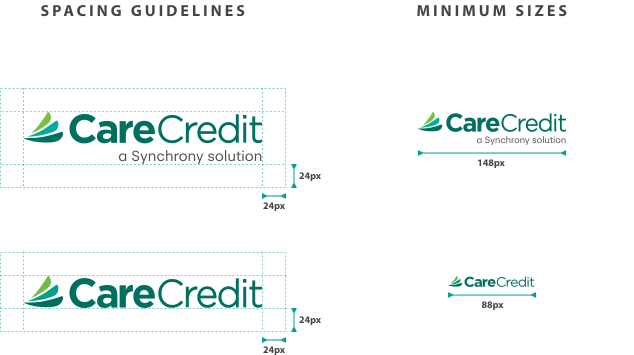
The CareCredit logo should not be modified from its original state. Please do not stretch, rotate or change the colors of the logo.
 Copied to clipboard
 Copied to clipboard
 Copied to clipboard
 Copied to clipboard
 Copied to clipboard
 Copied to clipboard
Card images
Download all card image versions or select individual files below. If adding a card image to your website, link the image to your location's unique custom link so patients or clients can apply and pay. Log in to access your custom link.
Check out our how-to guide for Adding CareCredit marketing assets to your website, to learn more about how to embed images and add links to your site.
Copy custom link for card images
Copied to clipboard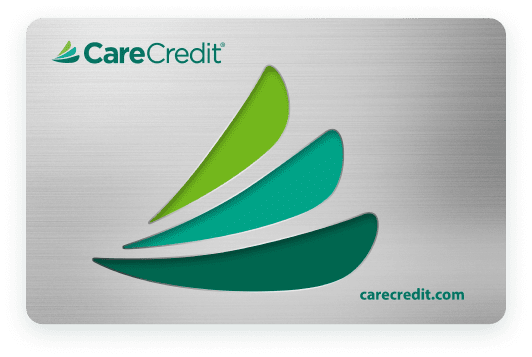 Copied to clipboard
 Copied to clipboard
Need more help?


Call Support
(800) 859-9975
Option 1, then 6, Monday – Friday: 8:00 AM – 6:30 PM (EST)
For other inquiries, follow the prompts:
Monday – Saturday: 7:30 AM – 2:00 AM (EST), Sunday: 9:00 AM – 2:00 AM (EST)

SEND VIA EMAIL
CareCredit logos and card images